Part 5 of 9 · 4 min read · Updated 1 October 2026
Track what your collection is worth
Lootbot estimates what your items are worth and checks again every month. Follow your collection's value over time, see your profit, and use Collection health to fill in the gaps.
What you paid and what it's worth
Every item can carry two numbers: Total Cost, what you paid, and a value, what it's worth now. You can enter your own Estimated Total Value, and Lootbot can estimate one for you. Lootero adds them up per collection (Cost, Value and Profit) and across everything you own (Total Spent and Estimated Value on Home).
How Lootbot values your items
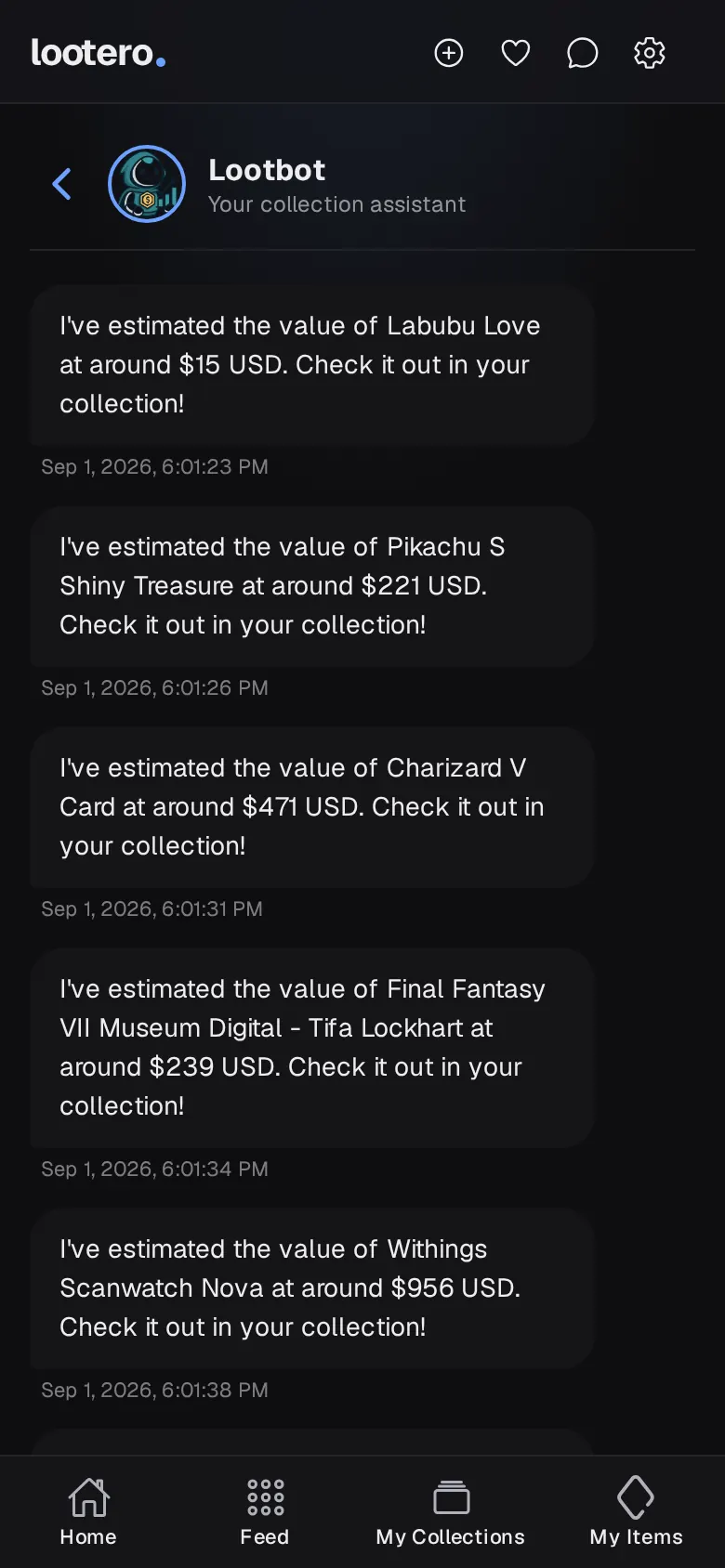
With AI value switched on, Lootbot looks at your item's photo and details, estimates what it's worth from market prices, and checks again every month so the figure keeps up with the market. When it has a new estimate it sends you a message, and the item's page shows a Lootero Total Value with a price-history chart. Arrows on your item cards show whether the value went up or down since the last check.
- A photo is required. Lootbot can't value an item without one, and changing the photo starts the valuation again.
- The more detail, the better. Maker, year, grade and condition all sharpen the estimate. A PSA 10 and a raw card are very different prices.
- Turn it on or off per item. Use Enable AI Value or Disable AI Value in the item's Actions menu. Turn it off for one-of-a-kind or sentimental pieces where your own figure is the one that counts.
- If a valuation fails, the item says so; tap Retry valuation to have Lootbot try again.
Value over time
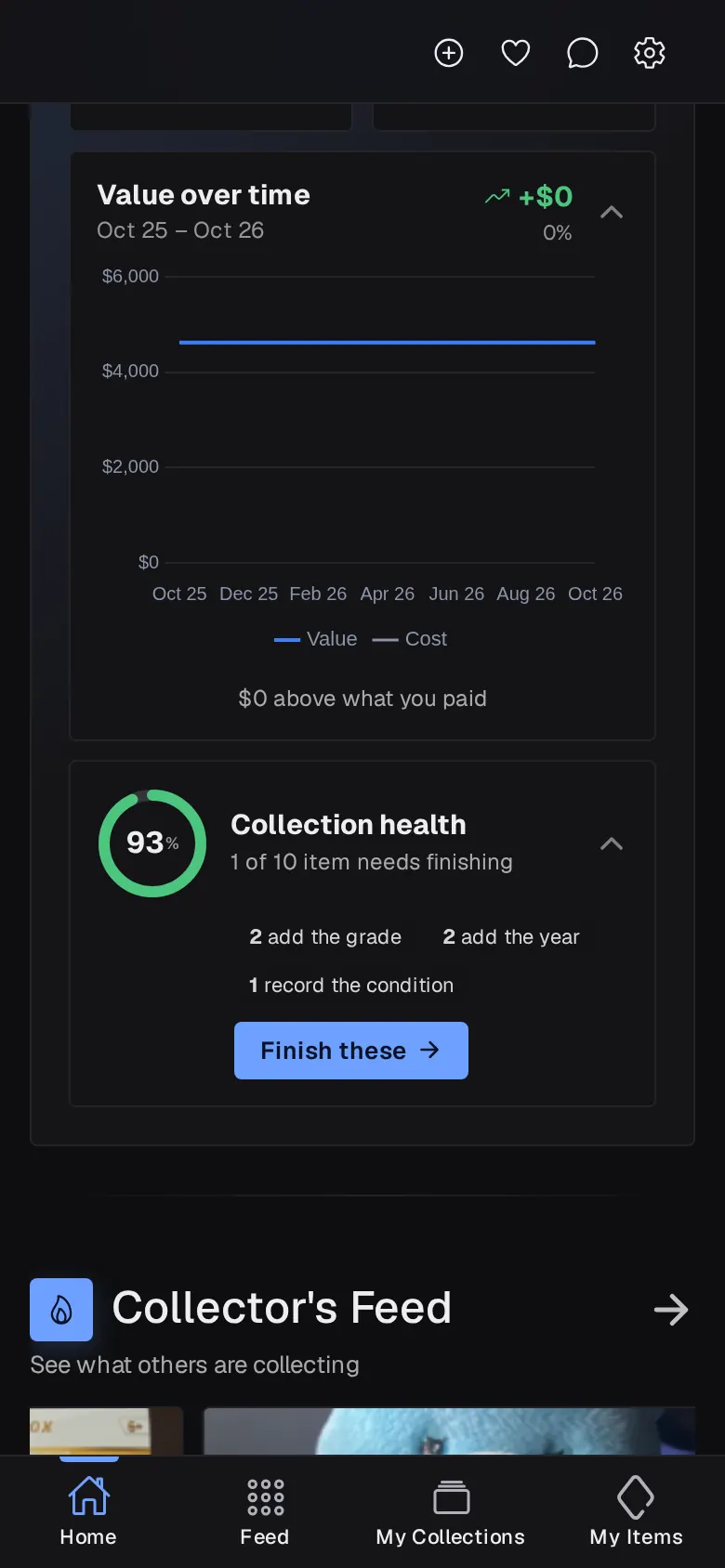
Once your items have been priced for a couple of months, Value over time on Home charts your collection's value against what you paid. The header shows the change in dollars and percent, and the footer tells you how far above (or below) what you paid you are. Tap the card to open or close the chart, and tap the eye icon on the totals to hide amounts.
Collection health
Collection health scores how complete your records are. Tap it to see what's most often missing, such as a grade, a year or a condition, then tap Finish these to open My Items with the least complete items first. Fuller records mean better valuations and better filtering.
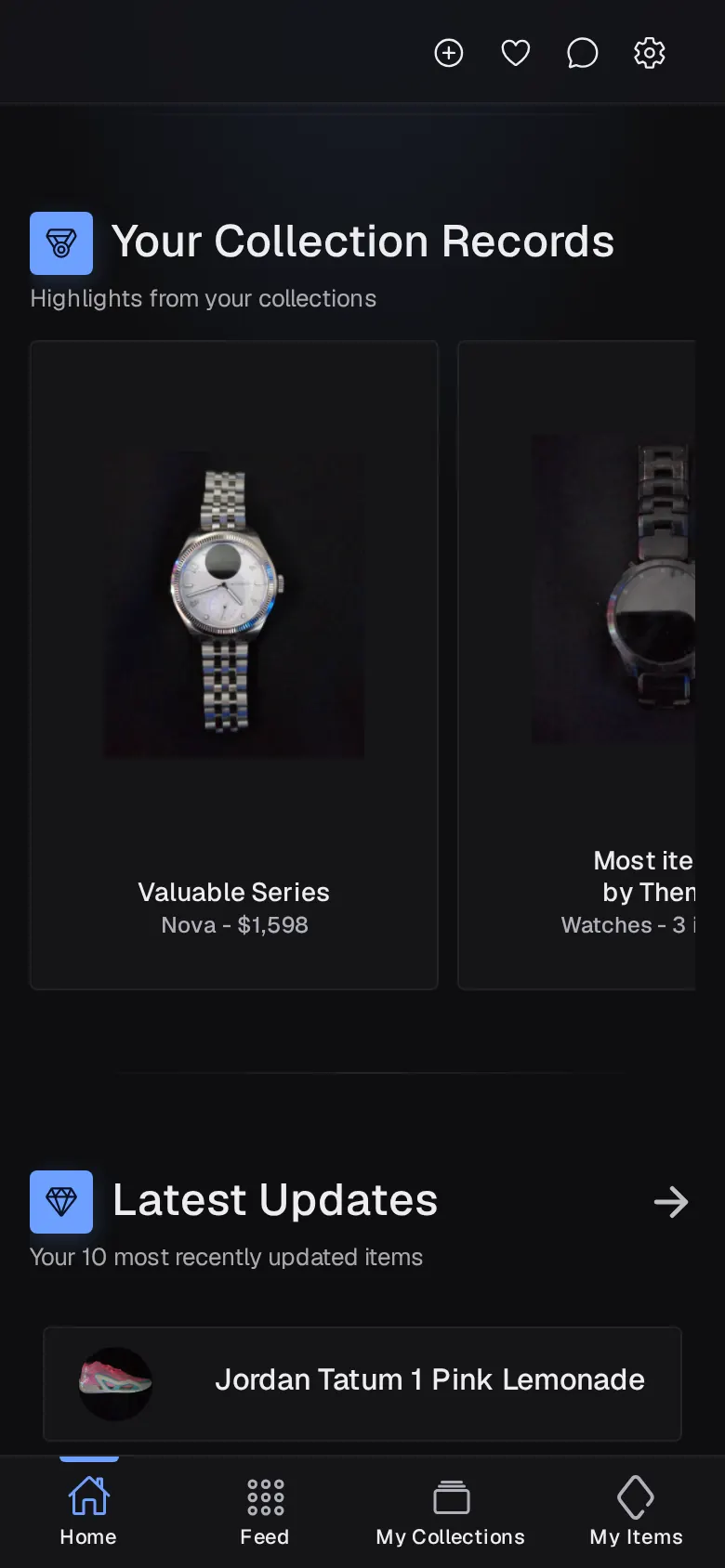
Your Collection Records
Further down Home, Your Collection Records picks out highlights: your most valuable theme and series, the theme and series you have most of, your most expensive item, your most valuable item and your oldest piece. Cards stay locked until you've added enough to fill them.